
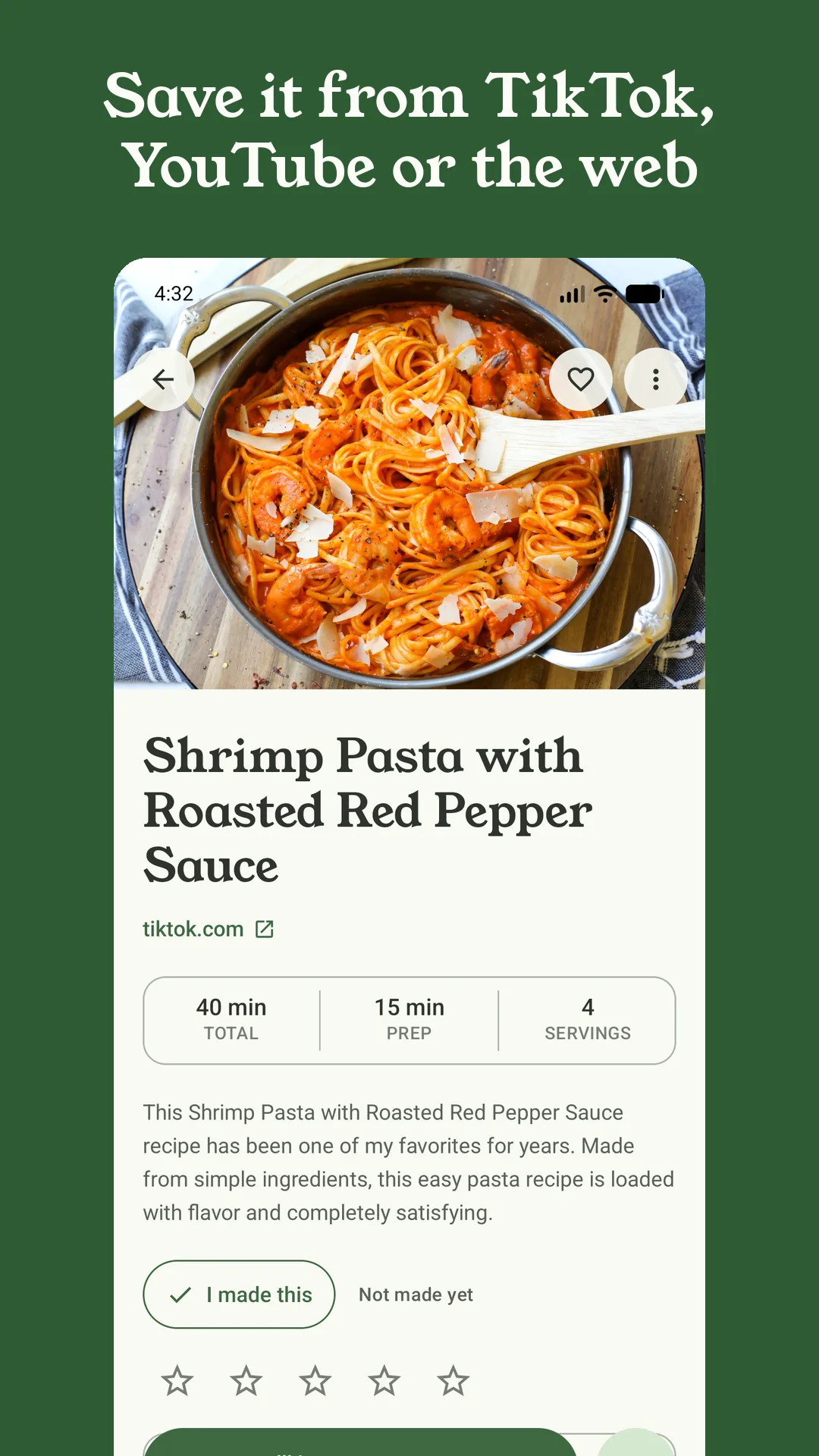
The whole point of Sorrel is that a recipe you found anywhere ends up as a clean recipe you can cook from: a title, a photo, an ingredient list and steps. Lately, that “anywhere” has got a lot bigger.
Videos on X
Share a post from X to Sorrel and it pulls the recipe out of the post and its video, the same way it does for TikTok, Instagram and YouTube. If the video is a repost, Sorrel credits the person who made it, not the account that passed it along. Like the other video sources, importing from X is part of Sorrel Pro.
Facebook, posts and reels
Facebook recipes come in two kinds, and Sorrel treats them differently:
- Posts — a recipe written out in a post or on a page — are read like any website, and they’re free.
- Reels and videos are imported like any other video, through Sorrel Pro.
Facebook doesn’t make this easy, so Sorrel tries several ways in. It reads the caption even when Facebook shows a sign-in wall instead of the page. When the caption only links to the recipe, Sorrel follows the link. And when the caption has no recipe at all, it listens to what’s said in the video instead — those recipes are always marked for a quick look before you cook.
Some Facebook recipes can’t be read by anyone who isn’t signed in to Facebook: videos shown only to logged-in viewers, and “comment ‘recipe’ and I’ll send it to you” posts where the recipe never appears on the page. Sorrel tells you when that’s what it found, rather than saving half a recipe.
Recipes in other languages
Sorrel now reads recipe pages in Korean, Japanese and Chinese, as well as Spanish, French, German, Italian and Portuguese — the ingredient lists and steps, not just the title. And if a recipe is written in a different language from the one you use Sorrel in, Sorrel translates it for you.
Translated recipes say so at the top, and Show original puts the original text back whenever you want to check a word. Translation is free and on by default; you can turn it off in Settings under Translate recipes. It happens on Sorrel’s server, not on your phone, so it needs a connection.
When an import doesn’t work
Not every link works the first time, and a failed import shouldn’t leave a mess behind:
- Cancel really cancels — nothing half-finished is left in your library.
- Write it in opens the recipe editor so you can type or paste it yourself.
- Send this link to Sorrel sends us the link that failed, so we can fix it. We get the link and nothing that identifies you.
Photos that stay put
Video thumbnails and recipe photos on the web often stop working after a while — TikTok’s covers expire, sites move their images. Sorrel now keeps its own copy of each recipe’s photo on your phone, so the picture you saved is the picture you keep. You can also swap in your own photo on any recipe.
Find recipes by who made them
The Library filter has a new Creators section: pick a TikTok or Instagram handle, a YouTube channel or a website, and see everything you’ve saved from them. Recipes imported before this update are filed under the site they came from, such as tiktok.com.
On iPhone: Facebook import, your own photos and the failed-imports list are in the current version. X import, translation and the Creators filter arrive in the next update, which is in testing now.