It reads the description first
Cooks who film for YouTube usually type the recipe into the description, or link it on their site. Sorrel reads that before anything else — it is the fastest route, and often the whole job.
 Sorrel
From the watch page to the kitchen
Paste a YouTube link — a twenty-minute tutorial or a fifteen-second Short — and Sorrel reads it for you: the description first, then the captions, then the frames. It writes up a recipe with real ingredients, steps and times, in a cookbook you can search, scale, plan a week from, and shop.
Free to start · No account needed · No ads, ever
A preview of the real thing — nothing leaves this page.
Cooks who film for YouTube usually type the recipe into the description, or link it on their site. Sorrel reads that before anything else — it is the fastest route, and often the whole job.
When the description is thin, Sorrel uses the video's captions — YouTube's own where they exist, a transcription of the audio where they don't — so the amounts the host says out loud become lines you can shop from.
Still not enough? Sorrel reads a handful of frames — the ingredient card on the screen, the temperature on the oven. It only climbs this ladder as far as it has to.
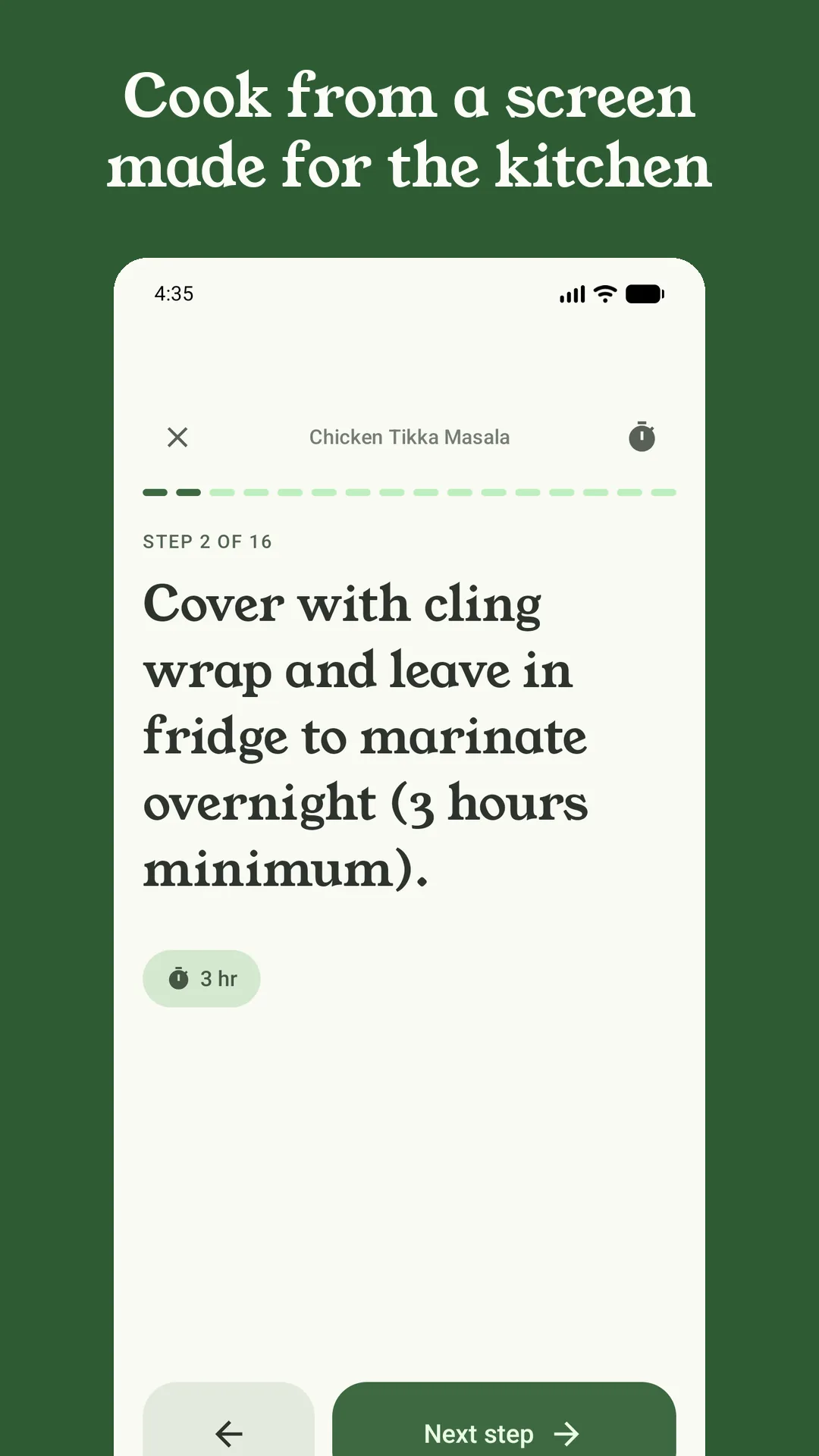
A recipe in your Watch Later is twenty minutes you have to sit through again — pausing, rewinding, missing the quantity while your hands are covered in flour. Sorrel gives you the words instead: still, in order, in type you can read across the kitchen, with a timer on every step.
Reading a video takes a moment, so Sorrel does it in the background. Share the link and get on with your day; the recipe is waiting in your library when it is done.
Sorrel sends the video's link to its own server to read — never your YouTube or Google account, never anything about who you are. You don't sign in, and you never hand Sorrel a login.
Once it is saved it is a proper recipe: scale it with real kitchen fractions, drop it onto next Tuesday, send its ingredients to an aisle-sorted list, and cook it in huge, one-step-at-a-time type.
Your recipe library, saving from websites, meal planning and grocery lists are free forever. Reading a video — YouTube, TikTok or Instagram — is part of Sorrel Pro, because it runs on Sorrel's servers. There is a free trial on the annual plan, and everything you save is yours to keep if you ever stop.
Both. A fifteen-second Short and a half-hour tutorial go through the same description-then-captions-then-frames reading; Sorrel just climbs further up that ladder when the words are thin.
No. You don't sign into YouTube and Sorrel never asks for your credentials. You paste or share a link; Sorrel's server fetches the public video itself and reads it.
That is exactly where it earns its keep: Sorrel reads the whole description and transcript and keeps only the recipe — ingredients and method — leaving the channel intro, the sponsor read and the story about the trip to Italy behind.
In your Sorrel library on your phone, as a full recipe with its photo, times and servings. From there you can scale it, add your own notes, plan it into a week, send its ingredients to an aisle-sorted grocery list, and cook it hands-free. Turn on sync and it is on every phone you own.
Free to start · Video import is part of Sorrel Pro