It reads the caption first
Most of the time the recipe is right there in the caption, or on a page the caption links to. Sorrel reads that before anything else — it is the fastest route, and often the whole job.
 Sorrel
From the For You page to the kitchen
Paste a TikTok link and Sorrel watches the video for you — the caption first, then what the cook says, then the frames — and writes it up as a recipe with real ingredients, steps and times. It lands in a cookbook you can search, scale, plan a week from, and turn into a grocery list.
Free to start · No account needed · No ads, ever
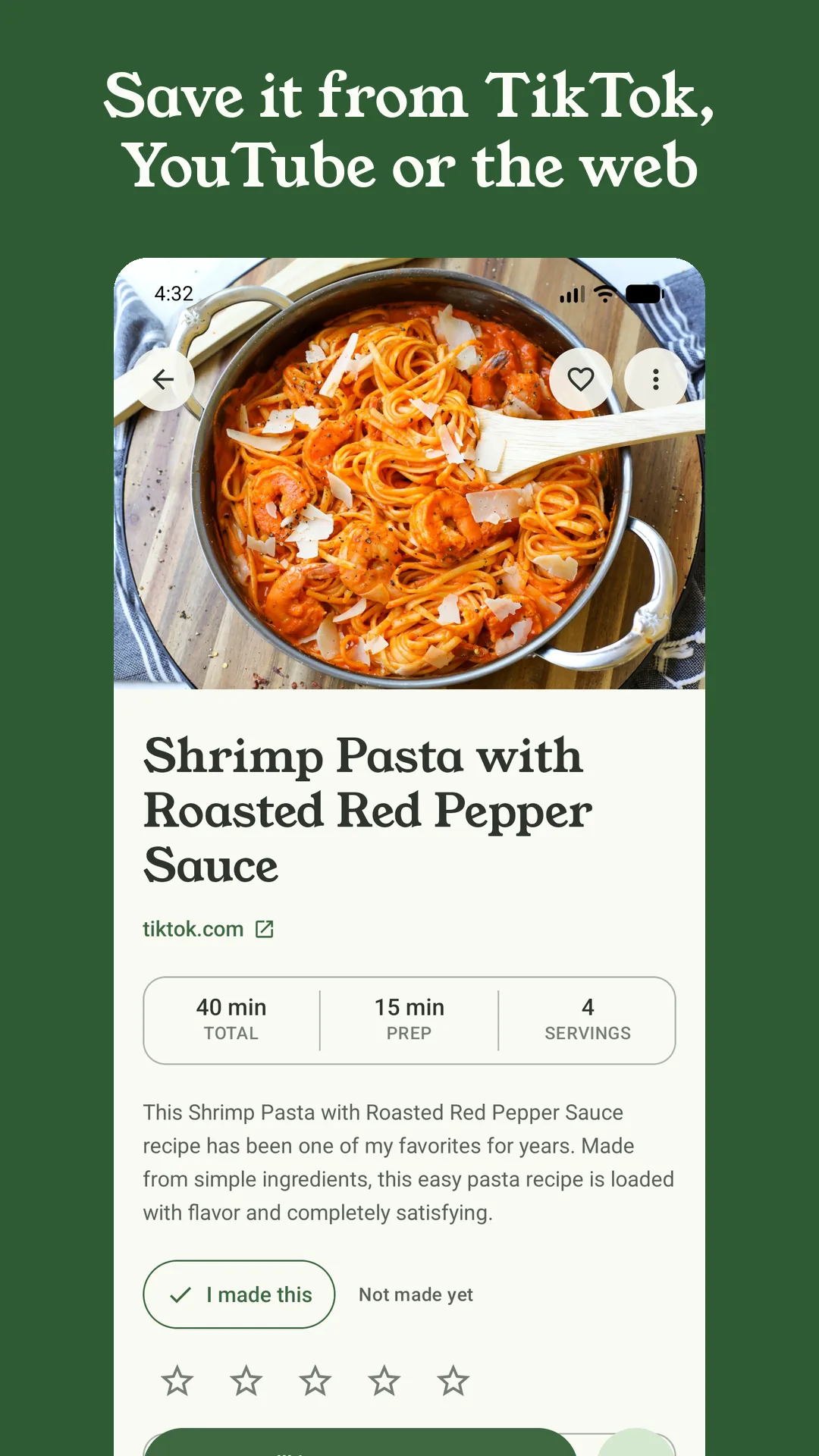
A preview of the real thing — nothing leaves this page.
Most of the time the recipe is right there in the caption, or on a page the caption links to. Sorrel reads that before anything else — it is the fastest route, and often the whole job.
When the caption is thin, Sorrel pulls the audio and has it transcribed, so “a good glug of oil and two fat cloves of garlic” becomes a line you can actually shop from. On YouTube it uses the video's own captions where they exist.
Still not enough? Sorrel takes a handful of frames and reads what is on the screen — the ingredient list that flashes up, the number on the oven dial. It only ever climbs this ladder as far as it has to.
A bookmark on TikTok is a video you have to watch again every single time — scrubbing back, thumb greasy, waiting for the half-second she says the oven temperature. Sorrel gives you the words instead: still, in order, in type you can read from across the kitchen, with a timer on every step that mentions one.
Reading a video takes a moment, so Sorrel does it in the background. Share the link and get on with your day; the recipe is waiting in your library when it is done.
Sorrel sends the video's link to its own server to read — never your TikTok account, never anything about who you are. You don't sign into TikTok, and you never hand Sorrel a login.
Once it is saved it is a proper recipe: scale it with real kitchen fractions, drop it onto next Tuesday, send its ingredients to an aisle-sorted list, and cook it in huge, one-step-at-a-time type.
Your recipe library, saving from websites, meal planning and grocery lists are free forever. Reading a video — TikTok, Instagram or YouTube — is part of Sorrel Pro, because it runs on Sorrel's servers. There is a free trial on the annual plan, and everything you save is yours to keep if you ever stop.
No. You don't sign into TikTok and Sorrel never asks for your credentials. You paste or share a link; Sorrel's server fetches the public video itself and reads it. Sorrel doesn't need an account of its own either, unless you turn on sync.
Sorrel saves what it can find and marks the rest as a draft you finish in a tap — so you get the method and the ingredients it did catch, not a dead end. And many cooks keep the quantities in the caption or a linked blog post, which Sorrel reads first.
TikTok, Instagram Reels and posts, and YouTube — including Shorts. Share the link from any of them and the same caption-then-audio-then-frames reading applies. Plain recipe websites save straight on your phone, free, with no server needed at all.
In your Sorrel library on your phone, as a full recipe with its photo, times and servings. From there you can scale it, add your own notes, plan it into a week, send its ingredients to an aisle-sorted grocery list, and cook it hands-free. Turn on sync and it is on every phone you own.
Free to start · Video import is part of Sorrel Pro