It reads the words first
The recipe is often already written down — in the caption, the description, or a blog the post links to. Sorrel reads that before anything else, because it is the fastest and most reliable route.
 Sorrel
Video in, recipe out
Paste a link to any cooking video — TikTok, an Instagram Reel, a YouTube tutorial — and Sorrel converts it to a written recipe: the caption first, then what the cook says, then the frames. Real ingredients, steps and times, in a cookbook you can search, scale, plan a week from, and shop.
Free to start · No account needed · No ads, ever
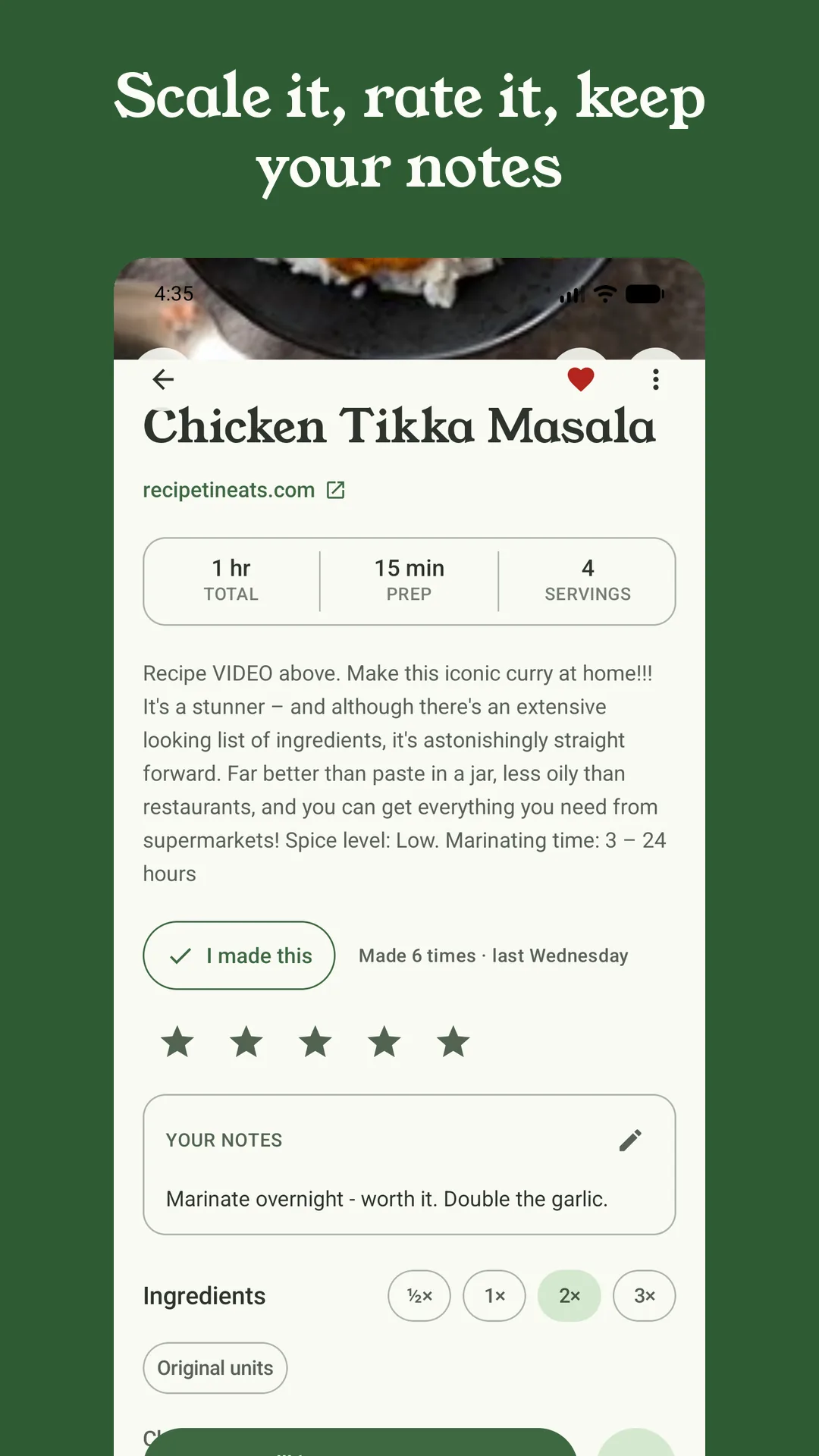
A preview of the real thing — nothing leaves this page.
The recipe is often already written down — in the caption, the description, or a blog the post links to. Sorrel reads that before anything else, because it is the fastest and most reliable route.
When the words on the page run out, Sorrel turns to the soundtrack: the audio is transcribed, or the platform's own captions are used, so what the cook says out loud becomes something you can shop from.
If the recipe lives on the screen rather than in speech, Sorrel reads a handful of frames — the ingredient list that flashes up, the number on the dial. It climbs this ladder only as far as each video needs.
You can't cook from a video without becoming its editor — scrubbing back, pausing, missing the quantity while your hands are busy. A recipe is the same meal turned into a plan: still, in order, in type you can read across the kitchen, with a timer on every step.
Reading a video takes a moment, so Sorrel does it in the background. Share the link and get on with your day; the recipe is waiting in your library when it is done.
Sorrel sends the video's link to its own server to read — never your accounts, never anything about who you are. You don't sign into anything, and you never hand Sorrel a login.
Sorrel doesn't just dump the words: it separates ingredients from method, keeps the amounts, and drops the intro and the sponsor read — so what you get is a recipe you can scale, plan and shop, not a wall of text.
TikTok, Instagram Reels and posts, and YouTube — including Shorts. Each goes through the same caption-then-audio-then-frames reading. Plain recipe websites are read straight on your phone, free, with no server needed.
Your recipe library, saving from websites, meal planning and grocery lists are free forever. Converting a video is part of Sorrel Pro, because it runs on Sorrel's servers. There is a free trial on the annual plan, and everything you save is yours to keep if you ever stop.
When the cook wrote the recipe into the caption or description — which is common — it is as accurate as the source. When Sorrel has to work from speech and frames, it shows you exactly what it read and marks anything uncertain as a draft you finish in a tap, so you are never trusting a black box.
No — that is the point. Paste the link and Sorrel watches it for you, in the background. You only open the video again if you want to.
In your Sorrel library on your phone, as a full recipe with its photo, times and servings. From there you can scale it, add your own notes, plan it into a week, send its ingredients to an aisle-sorted grocery list, and cook it hands-free. Turn on sync and it is on every phone you own.
Free to start · Video conversion is part of Sorrel Pro