Export from Paprika
In Paprika, choose Export and save the .paprikarecipes file — the same backup file Paprika makes for itself. It holds your recipes, their photos and everything you added.
 Sorrel
Bring your cookbook with you
Export your library from Paprika, open the file in Sorrel, and your whole cookbook comes across — titles, ingredients, steps, photos, your notes and your ratings. Nothing retyped, nothing left behind, and it is free.
Free · Keeps photos, notes & ratings · No account needed
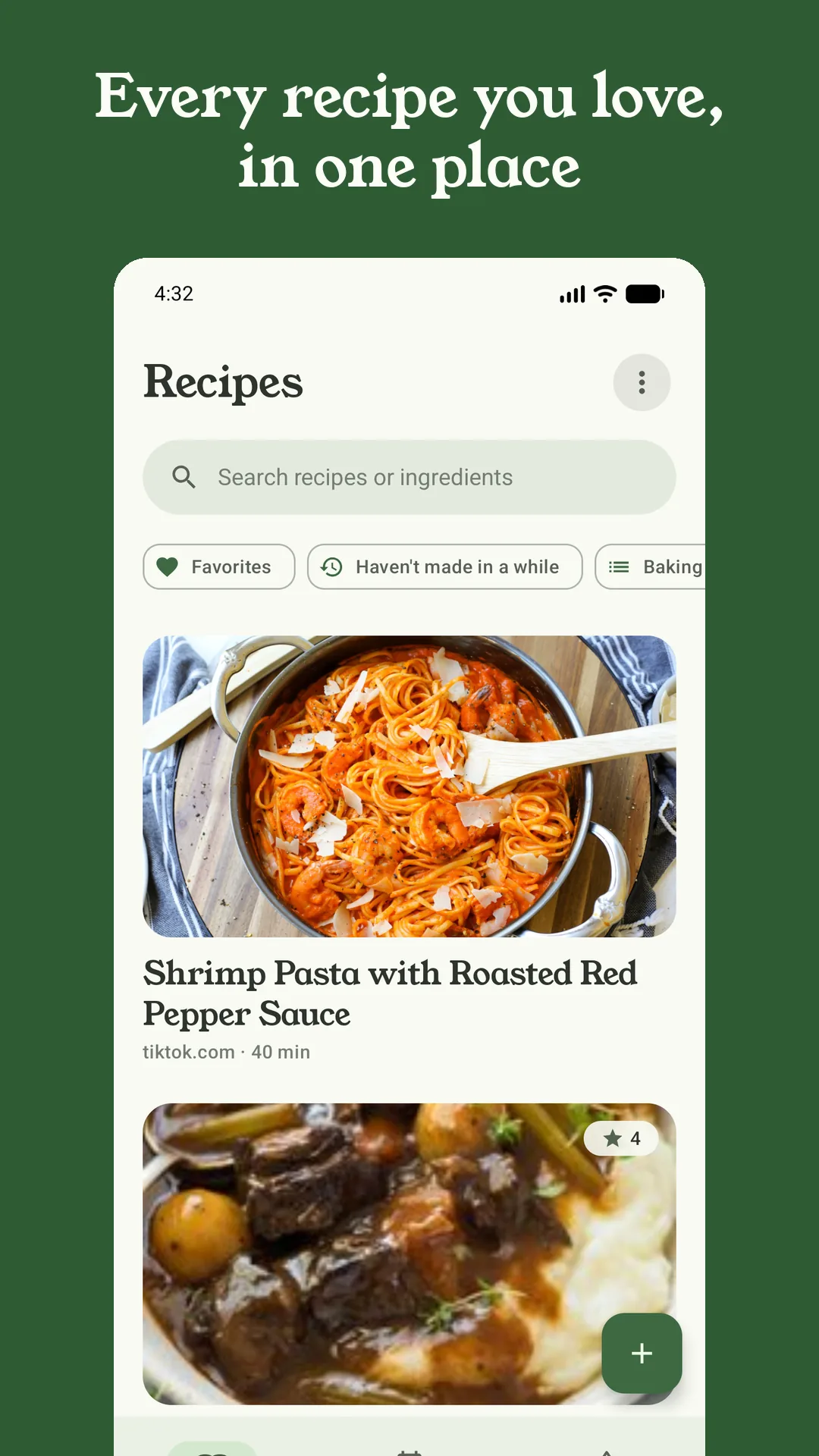
A preview of the real thing — nothing leaves this page.
In Paprika, choose Export and save the .paprikarecipes file — the same backup file Paprika makes for itself. It holds your recipes, their photos and everything you added.
On your phone, share or open that file with Sorrel, or point Sorrel at it from Settings → Import. Sorrel reads Paprika's own format directly — no converter, no spreadsheet, no website in the middle.
Your recipes are in your library within seconds, complete with photos, notes and ratings. Scale them, plan them, shop them, and cook from a screen made for the kitchen.
This isn't titles-and-ingredients while your notes and ratings get lost. Sorrel keeps the cook journal you built in Paprika — the photos you took, the tweaks you scribbled, the stars you gave — because a cookbook you have spent years on is the whole point of moving it.
Sorrel exports too — its own format, Paprika format, PDF, or one backup file — so importing here never traps your library. What came in one tap can leave the same way.
New recipes join from a website, a TikTok, a YouTube video or a photo of a card — so the cookbook you brought over keeps filling up without you typing.
Your imported library lives on your phone and opens without a signal. No account needed unless you turn on sync to share it across your phones or your household.
Yes. Sorrel reads Paprika's export format directly and brings across titles, ingredients, steps, times, categories, source links, the photos, your personal notes and your star ratings. The cook journal you built is the part most worth keeping, so it is kept.
Your whole library in one file. Whether it is thirty recipes or three thousand, you export once from Paprika and open the one file in Sorrel.
Yes — importing, your library, saving from websites, meal planning and grocery lists are all free forever, with no cap on how many recipes you keep.
A .paprikarecipes file — Paprika's own backup format, which you make with Export. Sorrel reads it as-is; there is nothing to convert first. Sorrel imports from ReciMe too.
Any time. Sorrel exports your library as Sorrel JSON, Paprika format, PDF, or a single backup file — so your recipes are always yours to take elsewhere. Moving in is not a lock-in.
Free · Imports from Paprika & ReciMe