
Cooking is rarely a one-person job. Somebody shops, somebody cooks, somebody asks what’s for dinner. Here’s how Sorrel handles everyone else.
One cookbook for the whole household
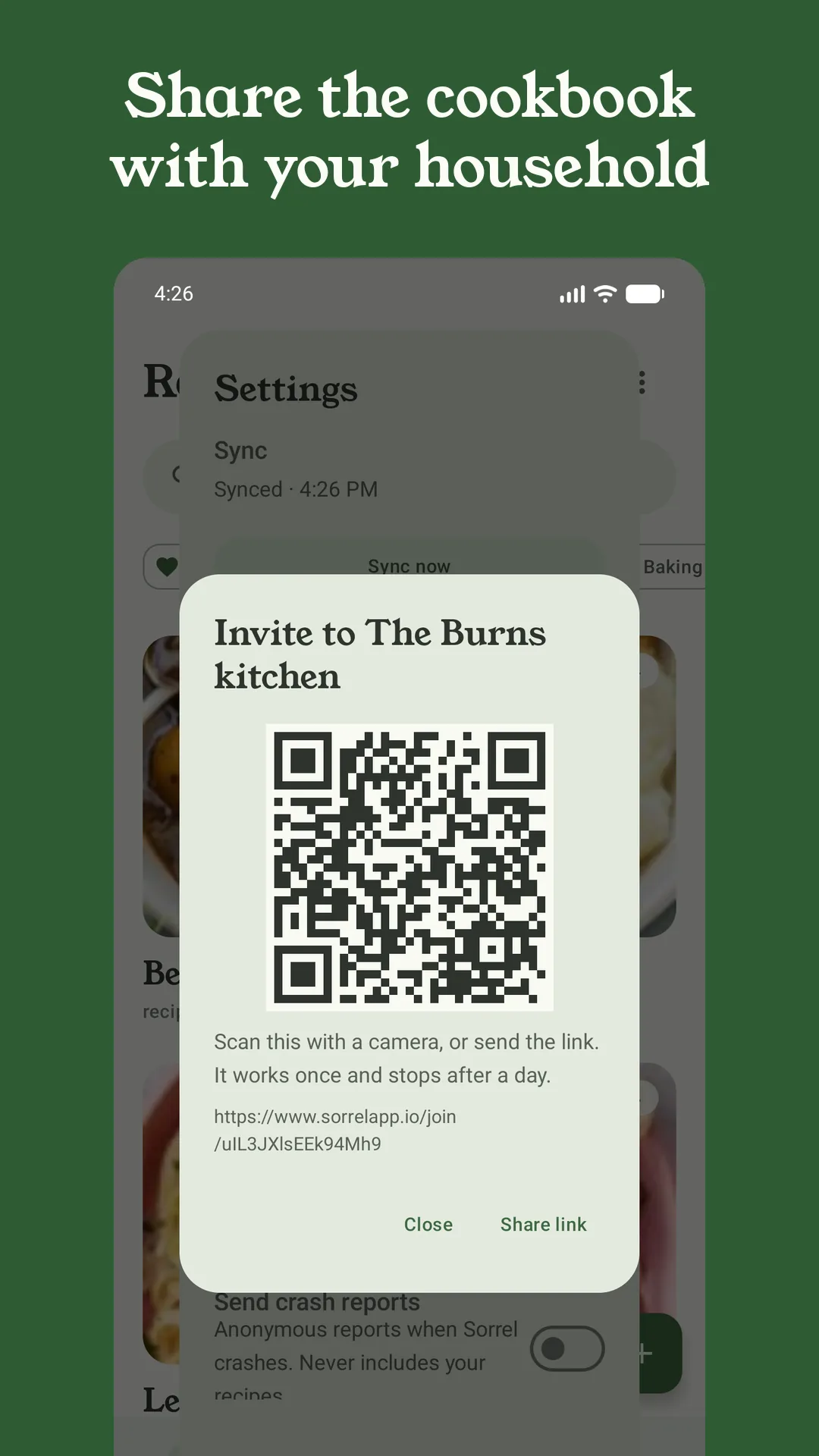
Start a household and the people you invite share one cookbook and one grocery list, updated live: tick off the milk in the shop and it’s gone from everyone’s list. It works across Android and iPhone. Only the person who starts the household needs Sorrel Pro — joining is free.
Inviting someone is a QR code to scan or a link to send, and invitations work once and stop after a day. On Android, the invitation now says which household it is and who started it before anyone taps Join — and if the person you invite installs Sorrel from the invitation, it’s waiting for them the first time they open the app.
On your own, sync keeps your library, plan and list the same on every phone you use. Signing in with Google is the quickest way in; on iPhone you can use Apple too.
Send a recipe to anyone
Share as Sorrel link gives you a link and a QR code for any recipe. The person you send it to sees the recipe on the web — title, photo, ingredients and steps — whether or not they have Sorrel, and can save it to their own library with a tap. Share links are free, both for you and for them, and they stop working after 30 days. Your ratings and notes stay on your phone.
Prefer something prettier? Sorrel can also share a recipe as a card image, and two new styles have joined the set: Gingham notecard and Typewriter notecard, landscape cards that look like the ones in a recipe box. Every card carries a QR code, so whoever gets it can save the recipe too.
Ask your assistant
If you use ChatGPT or Claude, you can connect it to Sorrel and talk to your recipes: “what can I make with the chicken thighs?”, “put the lemon pasta on Thursday”, “add what I need for it to the list”. Your assistant can search and read your library, save recipes, add meals to your plan and things to your grocery list, and see what’s in your Kitchen. It asks before changing a recipe, and it can’t delete anything.
Connecting is free; using it needs Sorrel Pro. You can disconnect any time in Settings under Connect an assistant. The step-by-step guide shows how to set it up.
Your recipes on a big screen
Two ways to use Sorrel from a laptop:
- The web recipe book shows your library in a browser: sign in with the link code from your phone and read any recipe on a bigger screen. It’s read-only for now, and part of Sorrel Pro.
- The browser extension saves recipes from the page you’re on. Web recipes are free, with no account — signed out, it shows a QR code to open on your phone. With a linked Sorrel Pro account it saves straight to your library, and it can import TikTok, Instagram and YouTube videos too.